
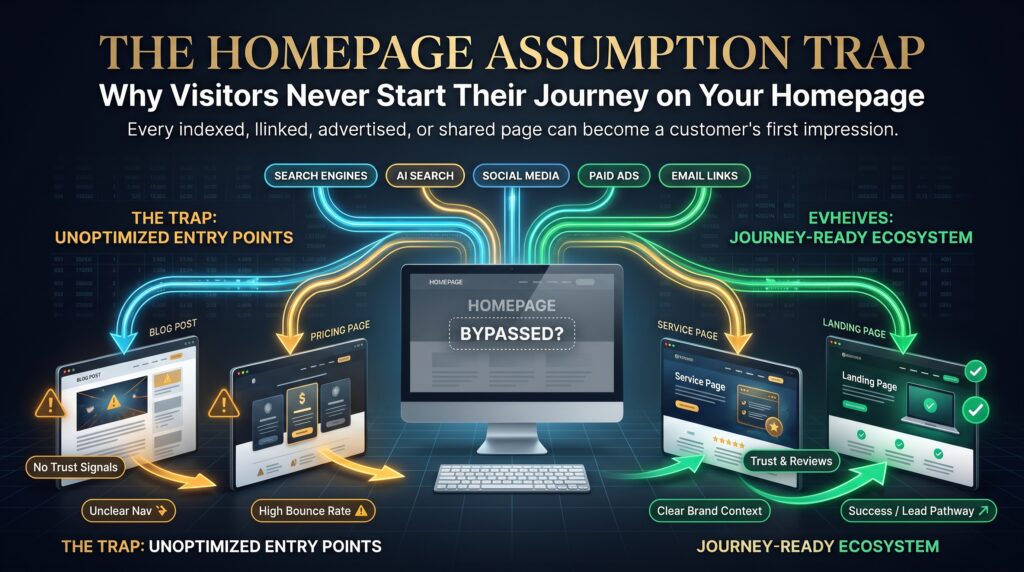
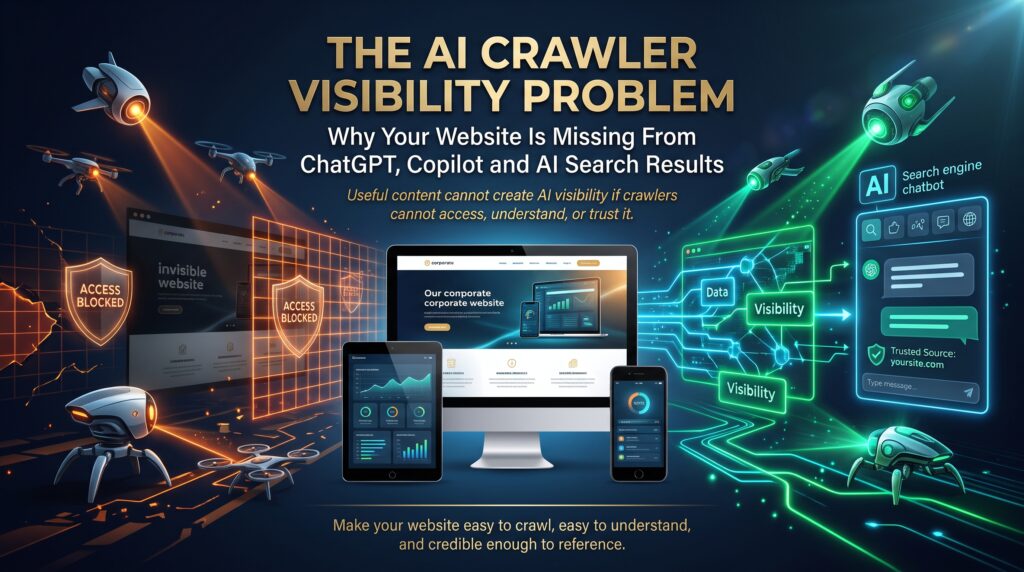
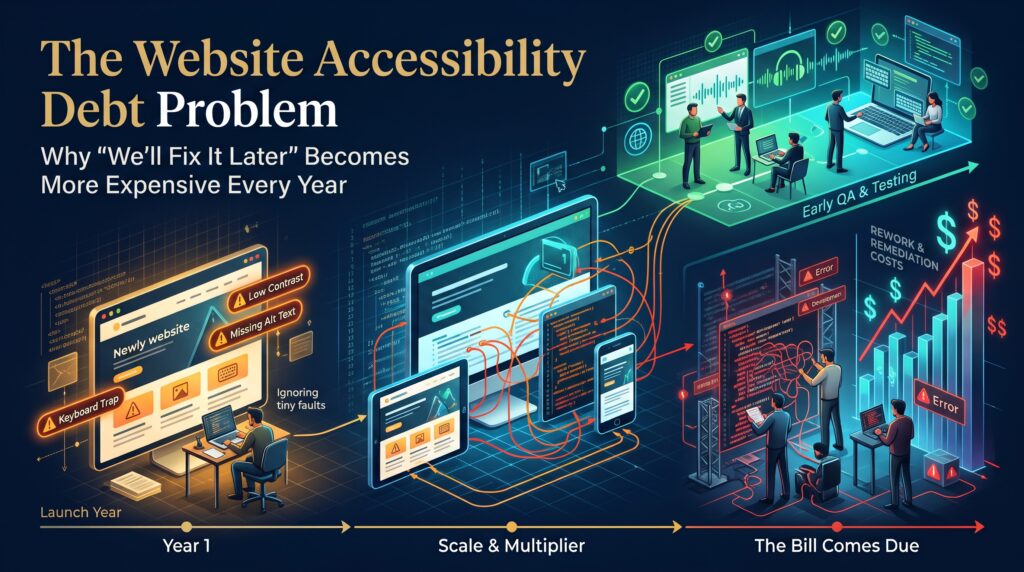

Website first impression is the meeting you never attend. Before a customer calls, emails or walks through your door, they’ve already “met” your business on a screen, usually a phone, often within a few seconds, and often while you’re on a job site, in a meeting or asleep. Your website did the talking, and you don’t get to hear how it went.
Think about how you size up a business yourself. You search, tap a result and decide within moments whether this looks like a company that will answer your message and do what it says. You don’t consciously analyse it. You just get a feeling. Your potential customers get exactly the same feeling about you.
This guide looks at what your website is saying when you’re not in the room, how to audit your website first impression in a few minutes, and how to fix the things that quietly cost you enquiries. It’s written for Australian business owners, whether you run a Sydney consultancy, a Brisbane trades business or an online store shipping from Perth.
What Is a Website First Impression? Your Digital First Meeting Explained
A website first impression is the overall judgement a visitor forms in the opening moments on your site: how it looks, how fast it loads, how clear it is and how trustworthy it feels. It’s your digital first meeting, and like any first meeting, it’s hard to rewrite later.
Unlike a handshake, you can’t adjust on the fly. You can’t smile when someone looks confused or explain a missing price. The website has to do all of that on its own, for everyone, at any hour, on any device. That’s why your website first impression matters more than most owners realise, and why it deserves the same preparation you’d give an important pitch.
How quickly do people judge? A well-known 2006 study in the journal Behaviour & Information Technology found that people formed opinions about a page’s visual appeal in around 50 milliseconds. Don’t over-read that result. It measured looks, not buying decisions. But the lesson holds: judgements arrive faster than your carefully written paragraphs can be read.
What Your Website Says When You’re Not There: 8 Silent Messages
1. “We’re organised” (or “we’re not”)
Consistent fonts, colours and spacing, plus a clear menu, signal a business that has its act together. A cluttered page with six competing buttons says the opposite, and visitors feel it before they can explain it.
2. “We’re still in business”
A copyright line from 2019, a “latest news” post from three years ago and a few broken links all raise the same question: is anyone home? Visitors who aren’t sure tend to try the next business instead of finding out.
3. “We’re easy to deal with”
Tappable phone numbers, short forms and visible opening hours and service areas tell people that contacting you will be painless. If your details are buried in the footer, customers assume the business is hard to reach.
4. “We’re trustworthy”
Trust is built from small, visible things: a secure HTTPS padlock, real customer reviews, your ABN, clear returns and privacy information, and payment options people recognise. The Australian Government’s business.gov.au publishes practical guidance for small businesses on operating online, which is a useful checklist for what to display.
5. “We respect your time”
Speed is part of your website first impression. A slow page feels careless before anyone reads a word. Run your key pages through Google PageSpeed Insights and read up on Core Web Vitals to see how Google measures loading, responsiveness and visual stability.
6. “We know who you are”
Within about five seconds, a visitor should know what you do, who it’s for and what to do next. Vague headlines such as “Innovative solutions for tomorrow” tell them nothing. Plain wording like “Custom kitchens for Brisbane homes. Get a free quote” tells them everything.
7. “We’re real”
Generic stock photos make every business look the same. Real photos of your team, your work and your premises make you look like a business with real people behind it, which is exactly what a nervous first-time customer is hoping to find.
8. “We welcome everyone”
Readable text, strong colour contrast, descriptive image alt text and keyboard-friendly navigation make your site usable for more people. The Web Content Accessibility Guidelines from the W3C are the standard reference. Accessible sites tend to be clearer for everyone, so the benefit goes well beyond compliance.
The 5-Second Website Audit: 10 Questions to Ask Today
Hand your phone to someone who has never seen your website. Let them look for five seconds, then take it back and ask what they remember. Then run through this list to score your own website first impression.
- Can they say what you do? If not, your headline needs work.
- Can they say who it’s for? Be specific about the customer and the location.
- Is the next step obvious? One clear button beats five vague ones.
- Does it load quickly on mobile data? Test it away from your office Wi-Fi.
- Is your phone number tappable? On a phone, one tap should start the call.
- Is there visible proof? Reviews, case studies or recognisable client logos near the top.
- Is everything current? Dates, prices, team photos, opening hours and offers.
- Do the images look like your real business? Replace generic stock where you can.
- Does every link work? Click through your menu and your most important pages.
- Could someone use it without a mouse? Try navigating with the keyboard alone.
How to Fix a Weak Website First Impression: 6 Upgrades

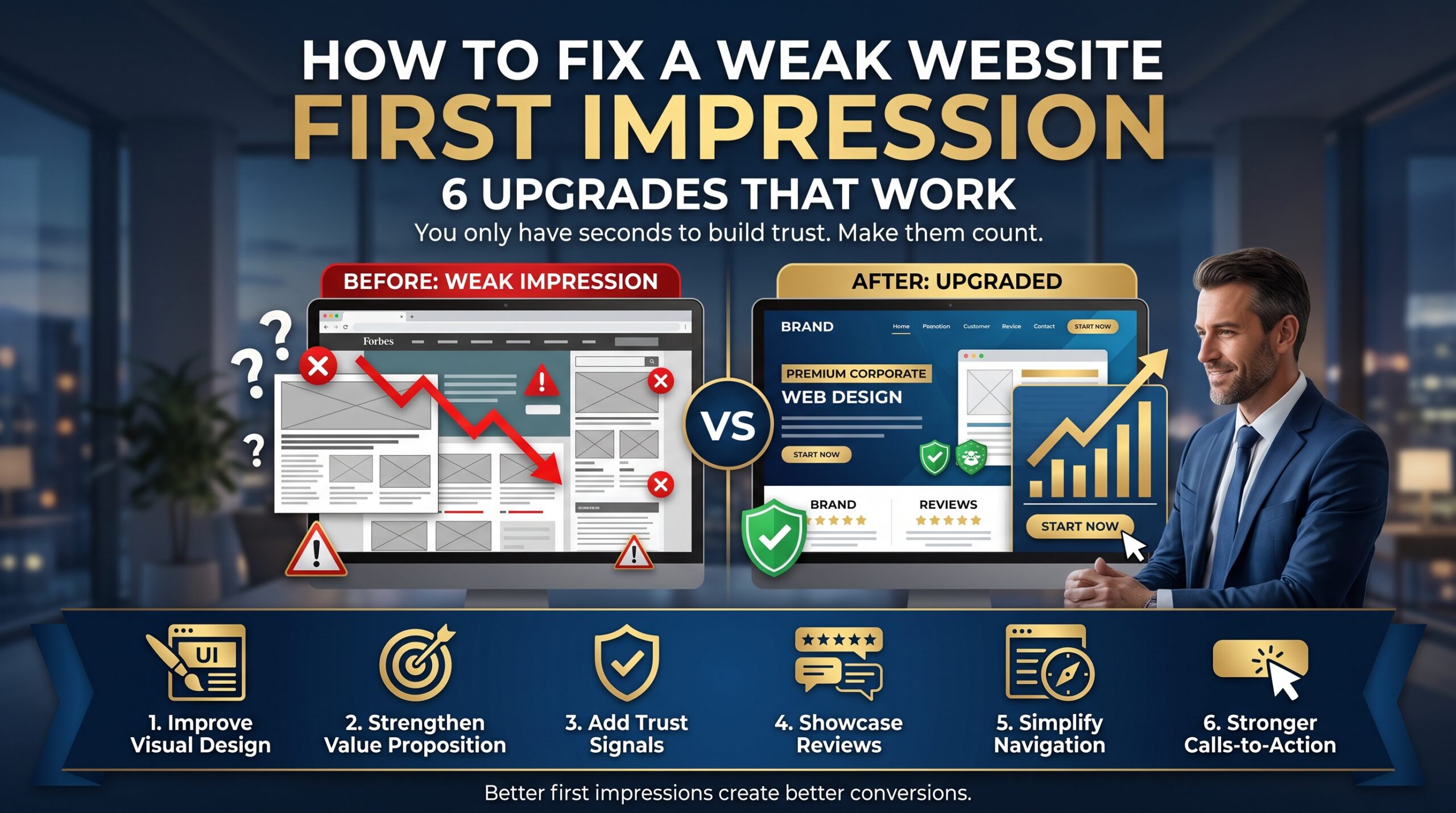
Upgrade 1: Rewrite the top of your homepage
The area visitors see without scrolling does most of the work. Give it a plain headline, one supporting sentence, one primary button and one piece of proof. If you can’t decide what the main action is, your visitors can’t either. A good web design and development project always starts by agreeing on that single goal.
Upgrade 2: Fix speed and mobile first
Most pages lose visitors to heavy images, bloated plugins and clumsy mobile layouts. Whatever platform you use, the fixes are similar: compress images, remove unused code, and design for thumbs and small screens first. If you run on WordPress, our WordPress development services focus on speed and easy editing. Store owners can look at WooCommerce development or Shopify development services.
Upgrade 3: Show proof where decisions happen
Put reviews next to the buy button or the quote form, not on a separate page nobody visits. Add recognisable payment logos at checkout, short case studies on service pages and your real contact details in the header. Proof placed at the moment of doubt does more for your website first impression than proof placed anywhere else.
Upgrade 4: Make contact effortless
Ask for a name, a phone number and one line about what they need. Show your phone number as a tappable link, state your response time and confirm when the form is sent. Every extra field is a small reason to leave, and easy contact is a quiet part of every strong website first impression.
Upgrade 5: Rebuild when patching stops working
Sometimes the foundations are the problem: an old theme, a tangled backend or a design that can’t be fixed without starting again. In that case, a planned rebuild is cheaper than years of patches. Online stores can explore an ecommerce website redesign, and businesses switching platforms can look at website migration services to move content without losing search rankings.
Upgrade 6: Keep it maintained and findable
A strong website first impression fades when updates stop. Schedule regular checks for broken links, security updates, plugin versions and fresh content. For stores, WooCommerce maintenance keeps things running smoothly, and ecommerce SEO helps the right people reach your site in the first place.
Website First Impression for Small Business vs Ecommerce
The core idea is the same, but the emphasis shifts. For service businesses, website first impression is about credibility and contact: who you are, where you work, proof that you do good work and an easy way to reach you. Our small business website development approach starts there.
For online stores, website first impression is about confidence at every step: clear product photos, honest pricing, visible shipping costs, familiar payment options and a checkout that doesn’t ask for too much. If you sell to other businesses, B2B ecommerce development adds account pricing and repeat ordering to the mix. You can see everything we offer on our services page.
Website First Impression Across Australian Cities
Customers in different cities search and compare differently, and local competition changes how much your website first impression matters. We have offices in Melbourne, Sydney and Brisbane, and work with businesses nationwide. A few things to think about in each city:
- Sydney: Competition is dense, so a clear, credible homepage helps you stand out quickly. See our web development in Sydney.
- Melbourne: Local search and reviews influence many decisions, so keep your details and proof up to date. Explore web development in Melbourne.
- Brisbane: Many visitors arrive on phones, so mobile speed and tappable contact details matter. Visit our Brisbane web development
- Adelaide: In a smaller market, reputation travels quickly, so visible reviews and real photos help. Read about web development in Adelaide.
- Perth: Businesses often serve wide areas, so make service coverage and response times clear. Check web development in Perth.
- Canberra: Government and professional clients expect clarity and accessibility. Take a look at web development in Canberra.
You can also browse every location we serve.
Frequently Asked Questions About Website First Impressions
What is a website first impression?
It’s the judgement a visitor makes in the first moments on your site, based on design, speed, clarity and trust signals. It shapes whether they stay, explore and get in touch.
How long does it take to make a first impression online?
Very little time. Research suggests people judge visual appeal in a fraction of a second, and most visitors decide quickly whether a page is worth their attention. That’s why the top of your homepage matters so much.
Does website speed affect first impressions?
Yes. A slow page feels unprofessional before anyone reads a word, and impatient visitors, especially on mobile, may leave before it finishes loading. Speed is also part of what Google measures through Core Web Vitals.
How often should I update my website?
Check it at least monthly for broken links, outdated details and security updates, and review your messaging and photos every year or whenever your offer changes. Regular maintenance keeps the website first impression strong.
How much does it cost to improve my website?
It depends on the size of the site, the platform and how much needs to change. A quick fix to the top of your homepage costs far less than a full rebuild, so get a quote based on your goals and budget.
Make Your Next Digital First Meeting Count
Your website is working every hour of every day, meeting people you’ll never see. The question is whether your website first impression matches the one you’d make in person. A clearer headline, a faster page and a few real signs of trust can change the answer faster than most owners expect.
If you’d like a second opinion on your own website first impression, get a free quote or audit or call 1300 649 299. You can also read the FAQs, browse the blog or learn more about us.